
Financial InsightsBeta
Explain the numbers, with the working shown.
Financial Insights turns consented transactions into reports teams can read: spending, receivables and payables, and affordability-style signals, each labelled as simulated or derived.
What it does
Capabilities
Each item says whether it is shown in the prototype console today or is planned. Planned items are not available.
Insight reports
Shown in prototypeGenerate reports per customer and view the figures behind each one.
Spending and cash views
Shown in prototypeSpending insights, receivables, payables and a daily close reconciliation.
Finance assistant
Shown in prototypeA rule-based assistant answers questions about bills, money in and money out. It is labelled as simulated.
Affordability style signals
PlannedIncome and outgoings summaries for lending decisions.
How it works
Four steps
- 01
Choose a customer
Select the consented accounts to analyse.
- 02
Generate the report
Figures are calculated from the booked transactions.
- 03
Read the working
Each figure links back to its transactions.
- 04
Act
Share or export the report.
In the console
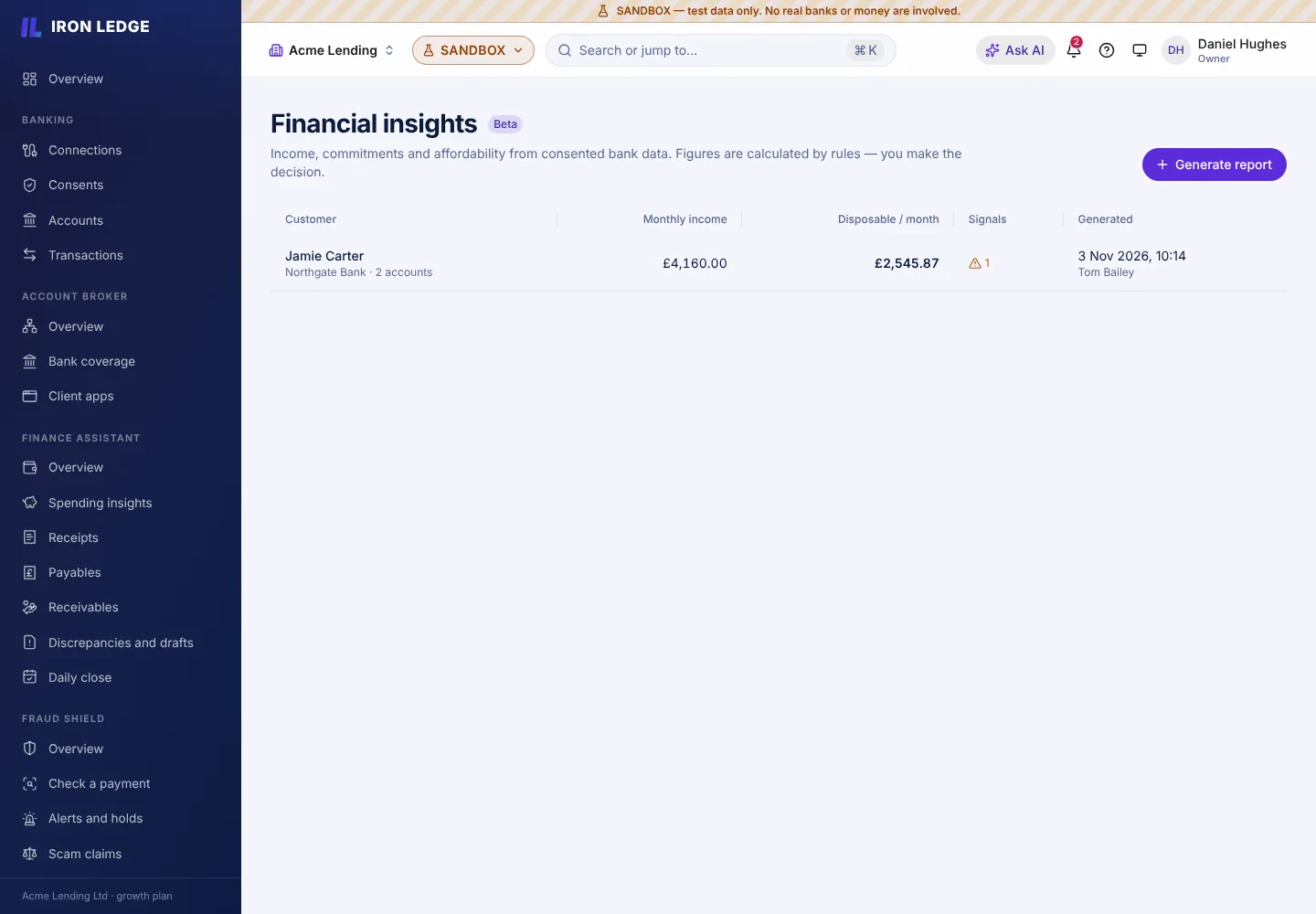
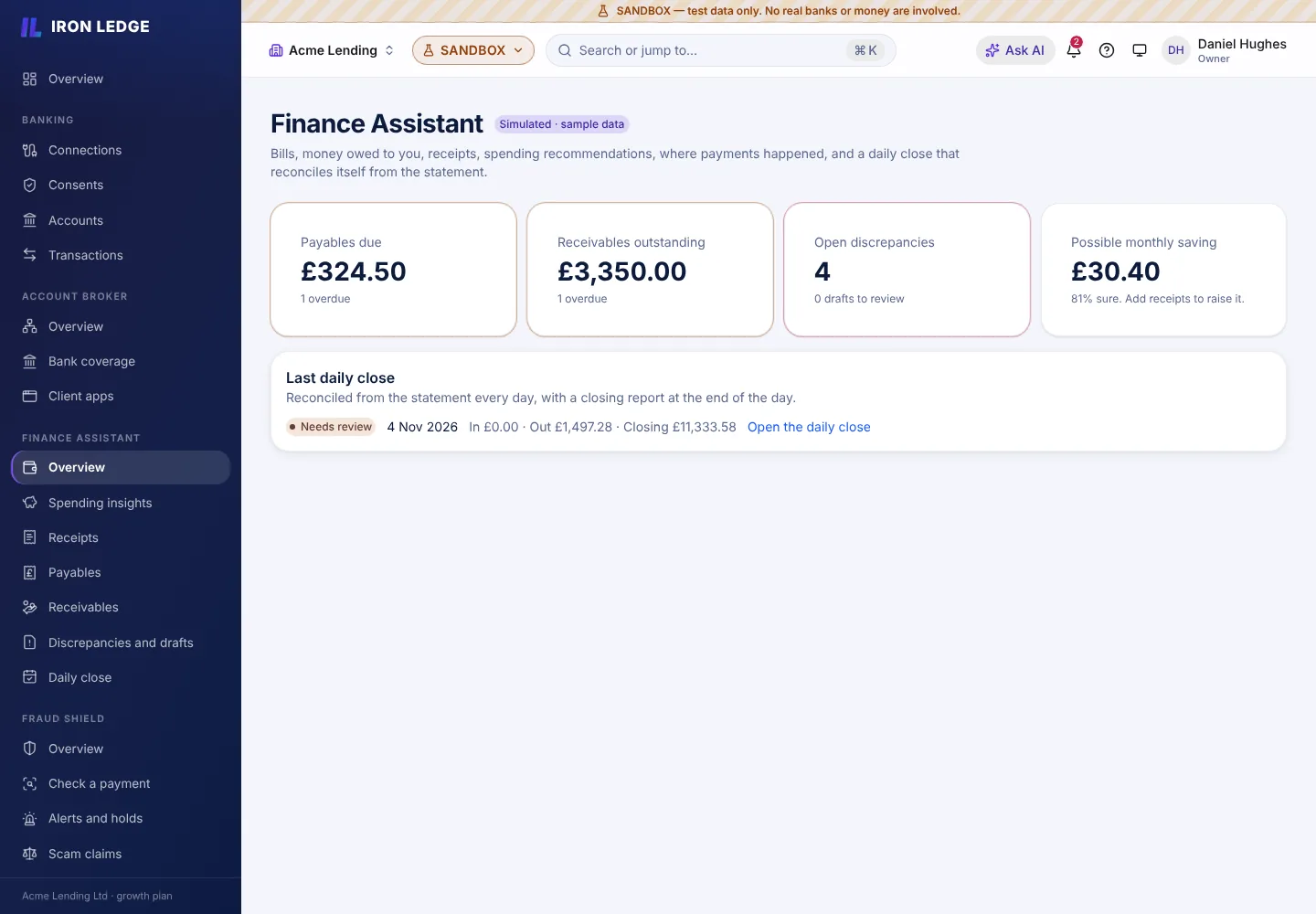
Real screens from the prototype
Captured from the running prototype with simulated data.
For developers
Request shape
An illustration of the kind of data involved. API reference and SDKs are not yet published, so no endpoints are listed.
Illustrative report summary
{
  "customer": "cus_demo_001",
  "monthlyIncome": "4180.00",
  "monthlyOutgoings": "2545.87",
  "currency": "GBP",
  "note": "Illustrative only - not a published endpoint"
}
UK context
Regulatory background
Where insights inform credit decisions, UK firms must also consider FCA expectations, including the Consumer Duty. This site does not claim any model is approved for lending.
General background, not legal advice. No authorisation or certification is claimed on this page.
Related